Full page or selection
Start from the popup, keyboard shortcut, or an opt-in click-to-read mode.
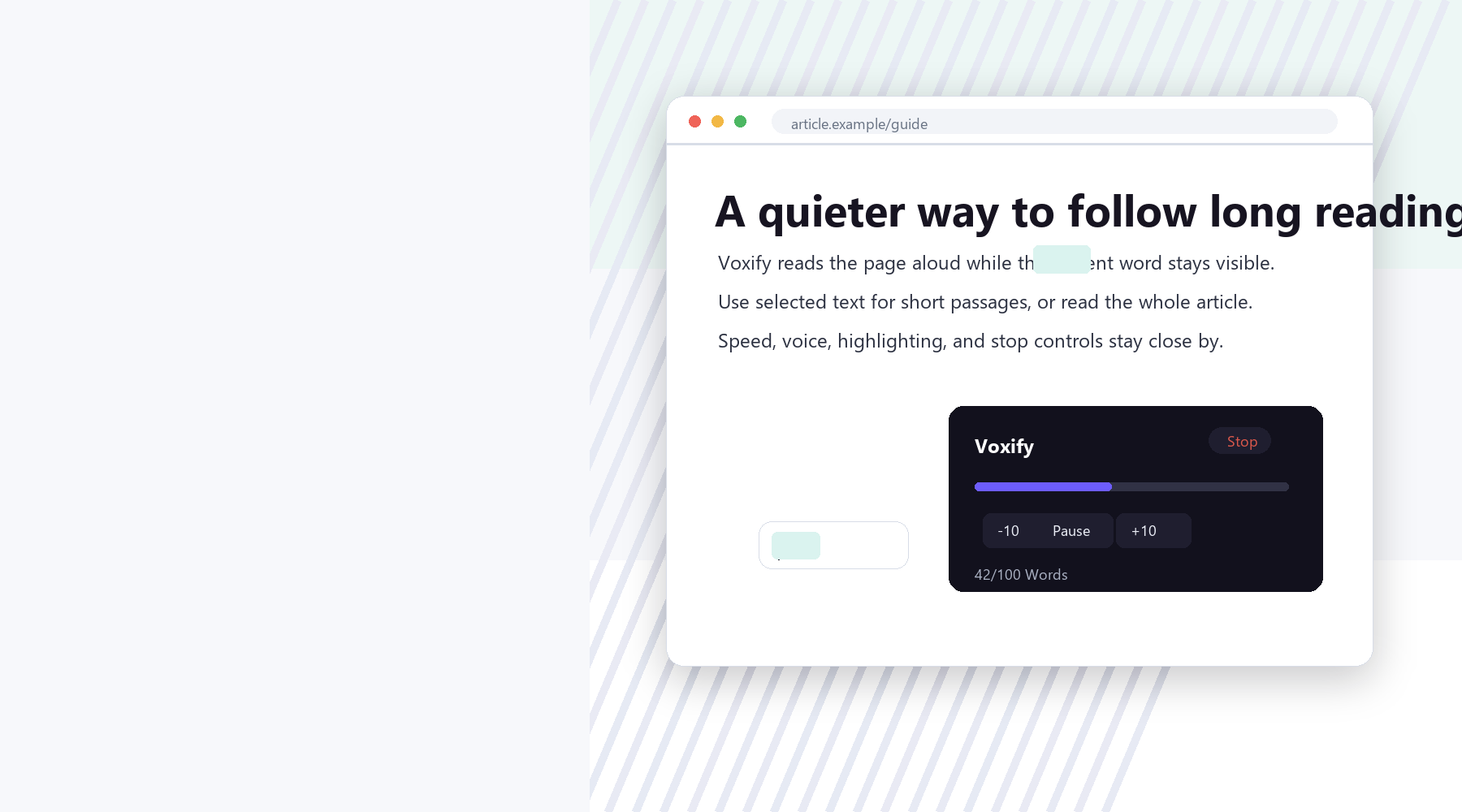
Free read aloud extension
A calm reading companion for Chrome. Listen to webpages, selected passages, and pasted text with gentle word tracking, fast controls, and voices from your own device.
Features
Voxify keeps the reading flow simple: choose a page, select a passage, or paste text, then control the voice, pace, and highlighting from one quiet interface.
Start from the popup, keyboard shortcut, or an opt-in click-to-read mode.
Follow along on the page while Voxify tracks the currently spoken word.
Pause, resume, stop, and skip by words using the popup or floating widget.
Choose from voices exposed by Chrome and your operating system. Availability varies by device.
Web reader
This demo uses the same Web Speech API in your browser. Pasted text is not uploaded.
Chrome Web Store
Install Voxify from the official Chrome Web Store listing, then use the extension popup to read full pages, selected passages, and readable webpage text aloud.
Install from Chrome Web StorePrivacy
Webpage text, selected text, and pasted text are processed by browser speech APIs on your device. Voxify does not run analytics, ads, accounts, or developer-operated text storage.